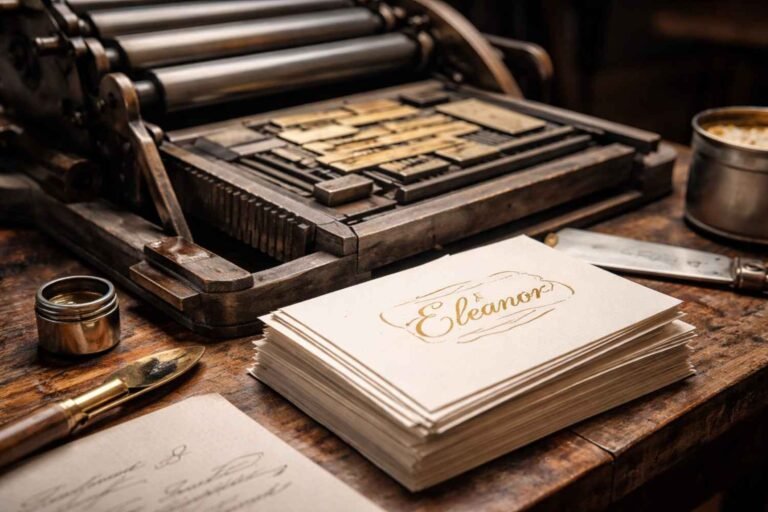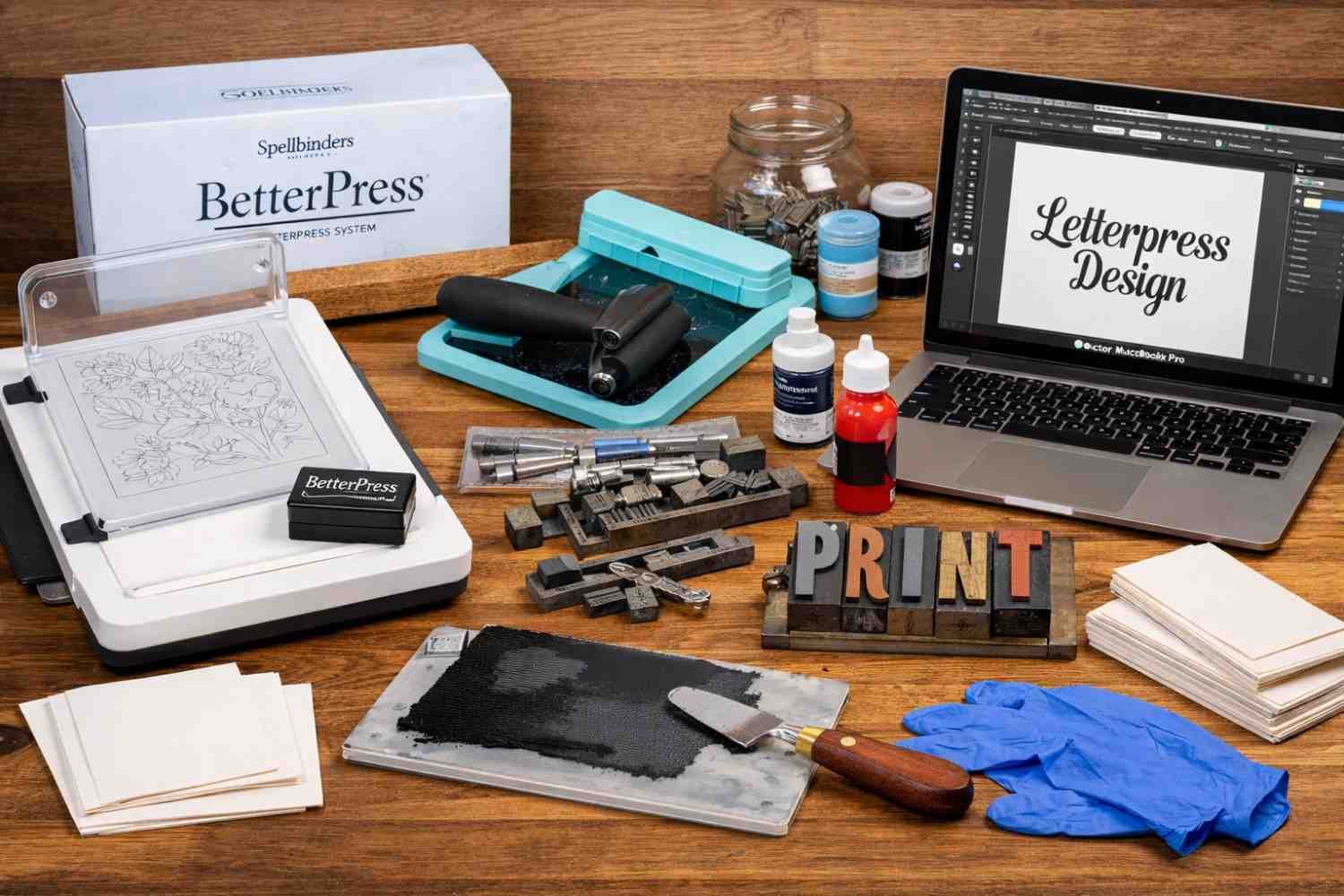
If you’re new to letterpress design tools for beginners, you’re in for an exciting journey into the world of printing! Letterpress combines traditional craftsmanship with modern design, offering a tactile, vintage appeal to everything from wedding invitations to business cards. We’ll go over all the necessary tools in this guide, from expert design software to beginner-friendly platforms, so you’ll be ready to get going.
Why Choose Letterpress?
Letterpress printing is more than just a method; it’s an art form. Whether you’re looking to create elegant stationery or limited-edition prints, letterpress’s tactile, deep impressions make your designs stand out. It has remained relevant in the design world due to its unique ability to combine artistry with technique, even in a digital-first age.
While newer printing methods have emerged, letterpress is still the go-to for those who want to add a touch of timeless class to their work.
Essential Letterpress Tools for Beginners
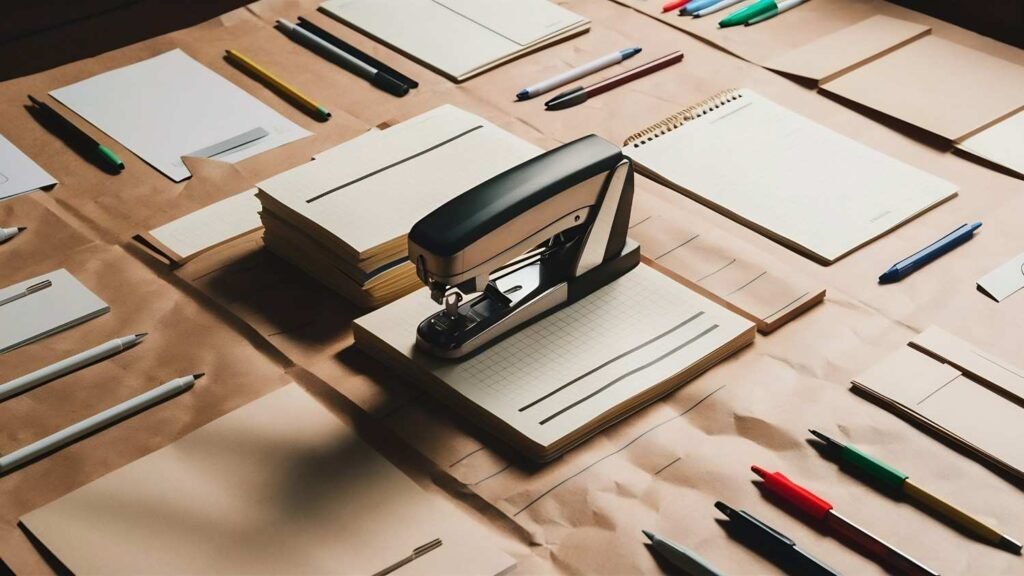
Spellbinders BetterPress Letterpress System
For beginners, the Spellbinders BetterPress Letterpress System offers an easy way to get started without the mess of traditional letterpress printing. It’s highly praised for being user-friendly and delivering professional results.
The system works with most manual die-cutting machines, like the Sizzix Big Shot or Platinum machines. It typically includes everything you need to start, such as a magnetic chase, clear platen, press plates, mini ink pads, and card panels. It’s perfect for those just diving into letterpress printing without investing in a full-size press setup.
We R Memory Keepers Letterpress Accessory Kit
Another great option for beginners is the We R Memory Keepers Letterpress Accessory Kit, which simplifies the letterpress process. It includes essential tools like an ink brayer, ink base, cleaning cloths, and paper placement guides. Compatible with various die-cutting machines, it’s versatile and perfect for creating custom stationery like wedding invitations, thank-you cards, or gift tags.
Traditional Hand Tools
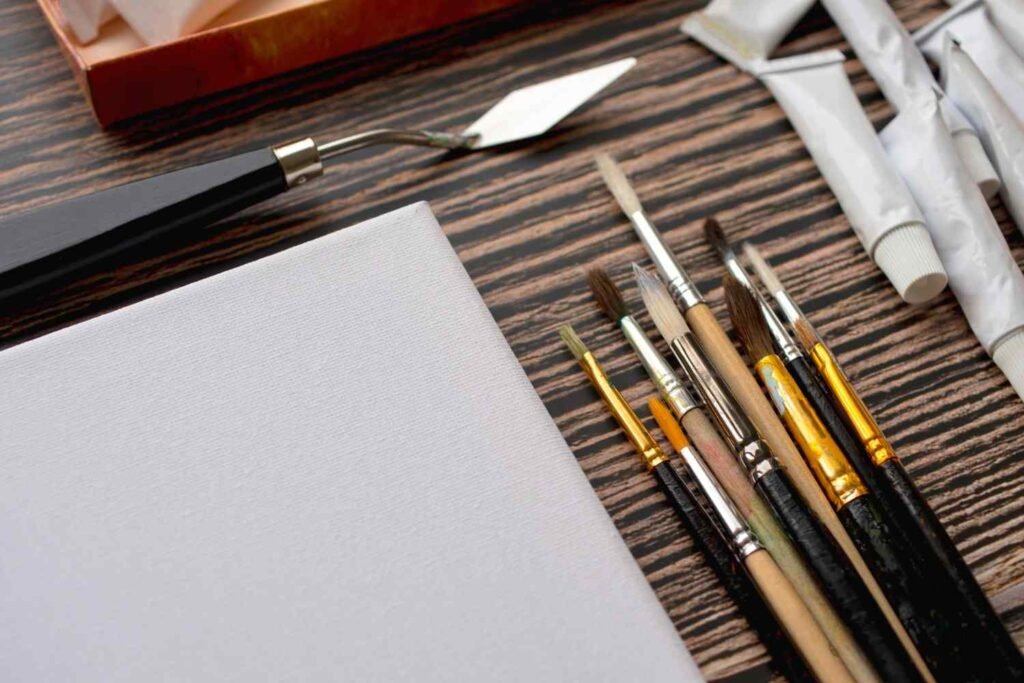
For those interested in a more traditional approach, classic hand tools are still essential in letterpress printing. A type scale, composing stick, furniture (wooden or metal blocks for spacing), and quoins (wedges for locking up type) are crucial in manually arranging and printing designs. Though these tools are more complex than the all-in-one systems, they offer an authentic experience for those looking to embrace letterpress in its most classic form.
Digital Tools for Letterpress Design
Before you can print your design, you’ll need to prepare artwork for your printing plates. Using vector-based design software is critical to create crisp, scalable designs.
Adobe Illustrator: The Industry Standard
Adobe Illustrator remains the gold standard for creating vector designs, and it’s widely used by professionals. Its powerful tools for creating logos, illustrations, and typography make it perfect for letterpress. Illustrator’s capability to handle text across multiple artboards is also essential when designing a full suite of stationery like wedding invites, business cards, or greeting cards.
Affinity Designer: Affordable Alternative
Affinity Designer is a strong, more affordable alternative to Illustrator. It provides 90% of the functionality at a fraction of the price, making it an excellent choice for budget-conscious beginners. While it has a slightly steeper learning curve, many designers find it highly responsive once they get used to it.
Canva: Beginner-Friendly Option
If you’re looking for something even more accessible, Canva is a great, web-based tool for beginners. It offers drag-and-drop features and thousands of templates, ideal for creating simple layouts. However, while it’s great for quick designs, the free version doesn’t allow you to export files in SVG vector format, which is essential for printing plates. Consider upgrading to Canva Pro if you want to access more file export options.
Paper and Ink: The Heart of Letterpress
Choosing the right paper and ink is just as important as selecting your press and design tools. The combination of these elements can make or break the success of your prints.

Paper
For letterpress, it’s crucial to choose the right paper that can hold deep impressions without tearing or warping. Cotton-based paper like Lettra or Cranes is ideal because it absorbs ink well and provides that signature, rich texture. This paper will hold the ink better than regular bond paper, allowing for the iconic debossed look of letterpress prints.
Ink
While water-based inks are available, oil-based inks are typically preferred for letterpress. Oil-based inks provide richer, deeper colors and are easier to clean. These inks also offer better coverage, ensuring a clean print every time. You can find pre-mixed inks in mini ink pads that work well with beginner-friendly systems like the Spellbinders BetterPress.
Cleaning Supplies
Maintaining your tools is essential to keeping them in top condition. You’ll need rags or cleaning cloths, nitrile gloves, and a dedicated cleaning solution like mineral spirits or press wash. Regular cleaning ensures that your press, brayers, and plates are free of dried ink, which could affect future projects.
Frequently Asked Questions
1. What are the essential tools for letterpress beginners?
As a beginner, you’ll need a press (like the Spellbinders BetterPress or We R Memory Keepers Kit), vector design software (like Adobe Illustrator or Affinity Designer), and high-quality paper and ink. Cleaning supplies are also important to maintain your tools.
2. Can I use traditional hand tools for letterpress printing?
Yes! For a more hands-on approach, you can use traditional hand tools like type scales, quoins, and composing sticks. These tools offer an authentic letterpress experience, though they can be more challenging for beginners.
3. Can beginners design their artwork for letterpress printing?
Absolutely! Beginners can use vector-based design software like Adobe Illustrator, Affinity Designer, or Canva to create artwork. These programs allow you to create scalable and crisp designs perfect for printing plates.
4. What paper is best for letterpress printing?
High-quality, cotton-based paper is best for letterpress printing. It’s soft and absorbs ink well, which helps create deep impressions and a premium finish. Popular options include Lettra and Cranes cotton papers.
Conclusion
Starting with letterpress design tools for beginners can seem daunting, but with the right equipment and software, you’ll be on your way to producing high-quality prints in no time. From user-friendly systems like the Spellbinders BetterPress to professional software like Adobe Illustrator, there’s a tool for every type of learner. Remember, the key to great letterpress prints lies in attention to detail — choose the right paper, ink, and press to bring your designs to life.
With practice, you’ll soon master the craft and produce stunning designs that stand out for their texture, style, and timeless beauty.